
Image to 3D: turn a picture into a 3D model ready to animate
Upload a concept sketch, a reference image or a photo, and MetaPerson Creator turns it into a textured 3D model right in your browser. Humanoid characters come out already rigged, with a Mixamo-compatible skeleton and skin weights: no extra step and no extra input from you. Export to FBX or GLB.
Upload an imageHow image to 3D works
- Upload an image. A concept sketch, a reference image or a photo. Choose Humanoid for characters or Generic for objects.
- Get a 3D model. A textured model appears right in your browser in a few minutes: 6 coins for a generic model, 25 for a rigged humanoid.
- It comes already rigged. Humanoid characters include a skeleton and skin weights. Try the rig with dozens of built-in animations.
- Export it as FBX or GLB, and import it straight into Unity as a Humanoid.
No image yet? Describe what you want and MetaPerson generates a free reference image first. See text to 3D.
Rigged from the start, not auto-rigged afterwards
Generic 3D generators produce a static mesh that is hard to rig. Auto-rigging it afterwards usually gives poor results: bad skin weights, broken joints and limbs that deform badly.
MetaPerson Creator builds humanoid characters ready to animate from the start. Each one includes a Mixamo-compatible skeleton and skin weights, so there is no manual rigging and no auto-rigging step. The character is ready to animate the moment it appears.
From concept sketch to a character you can animate
Upload the front view of your character, choose Humanoid, and get a textured model that is already rigged. Check it with the built-in animations, then import it into Unity as a Humanoid, or into Unreal Engine or Blender for the final polish.
Generic and Humanoid 3D models
| Generic 3D model | Humanoid character | |
|---|---|---|
| Best for | Objects, props, animals and scenery for game levels and scenes | Characters with two arms and two legs: game heroes, NPCs, VR and metaverse avatars |
| Rig | Static, no rig | Already rigged: Mixamo-compatible skeleton and skin weights |
| Price | 6 coins | 25 coins |
Images that work best
- One subject, centered, with nothing overlapping it.
- A plain or simple background.
- Front view, without strong perspective or a dramatic camera angle.
- Even lighting, without heavy shadows.
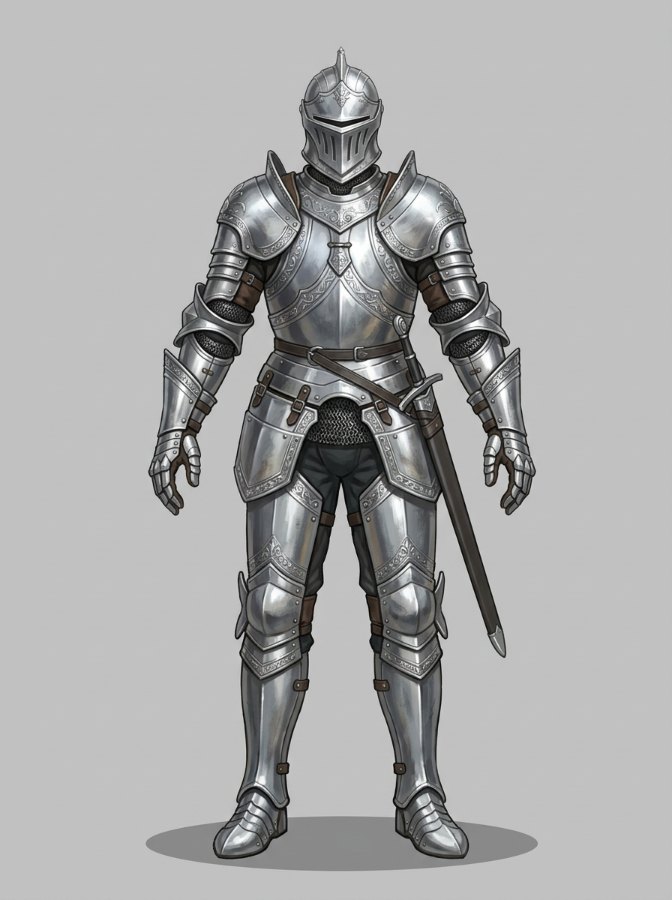
- For humanoid characters: full body visible, two arms and two legs, standing in a neutral pose (T-pose or A-pose is ideal), hands not hidden.
- Creatures with extra legs, wings or tails work better as generic models.



Test the rig, then take it to your engine
Try your character with dozens of built-in animations right in the browser before you export. Then download it and import it straight into Unity as a Humanoid, or bring it into Unreal Engine or Blender.
Coming soon: a facial rig for human characters, and text-to-animation for generated characters with Avatar SDK Move.
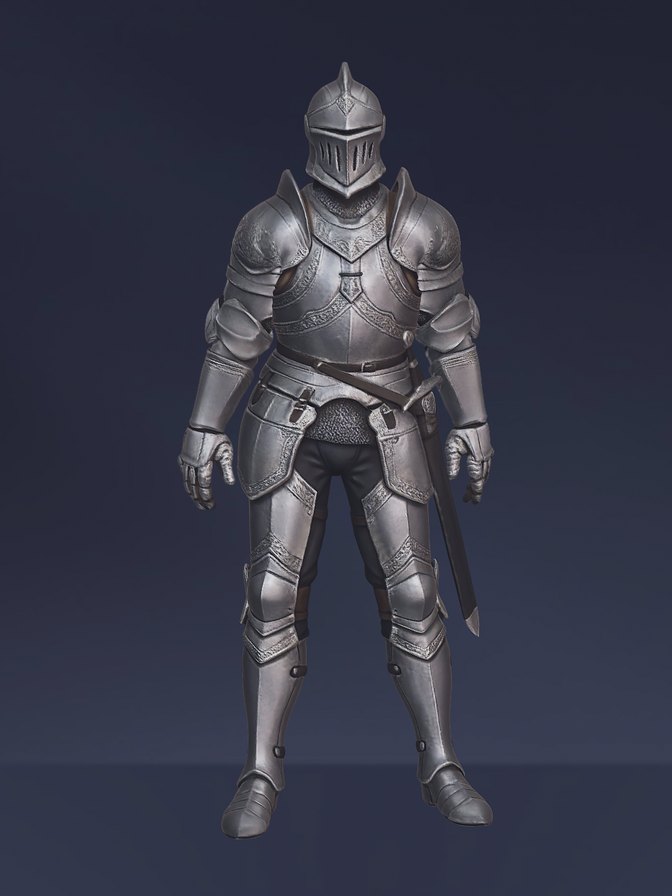
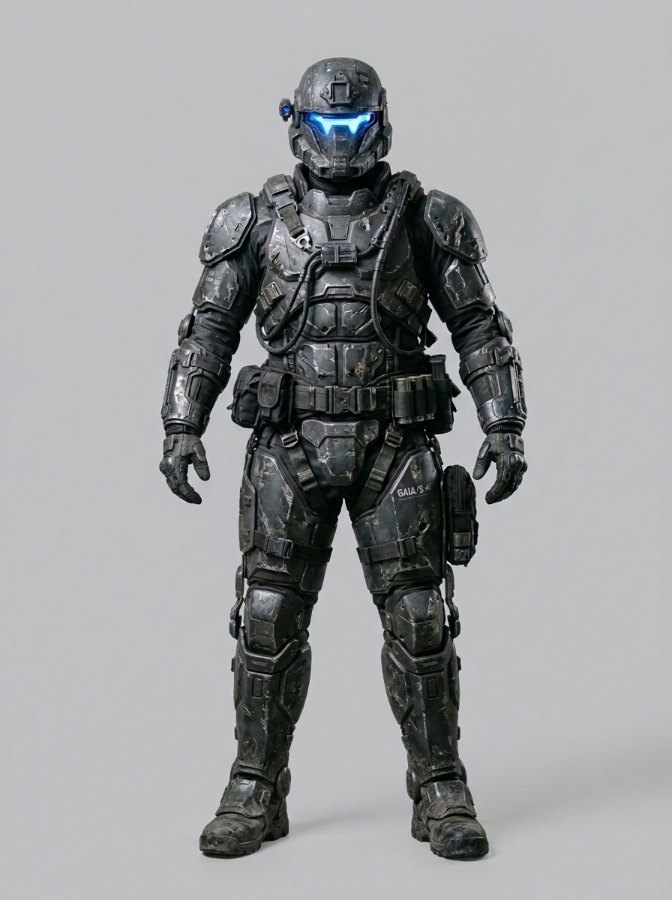
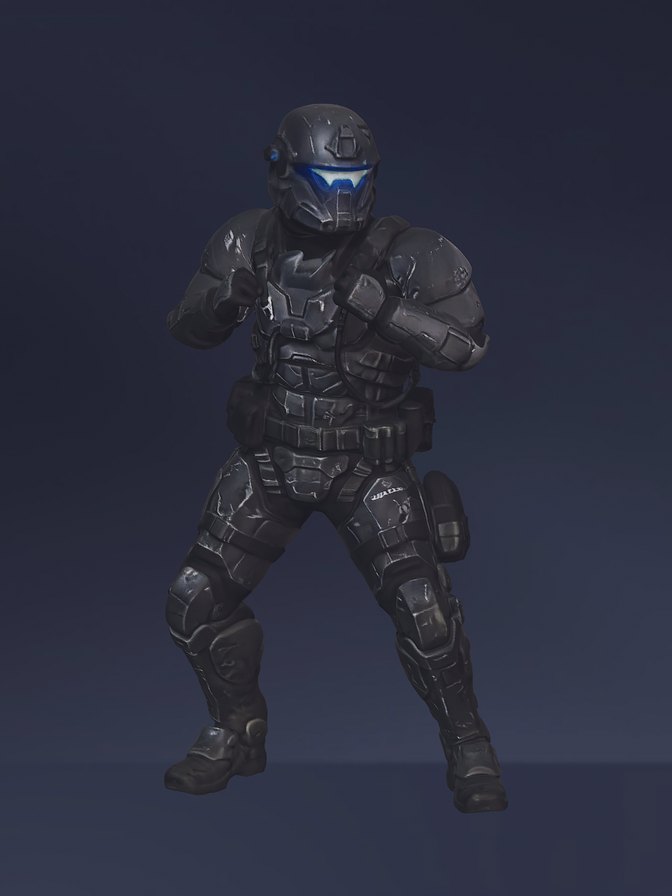
Examples
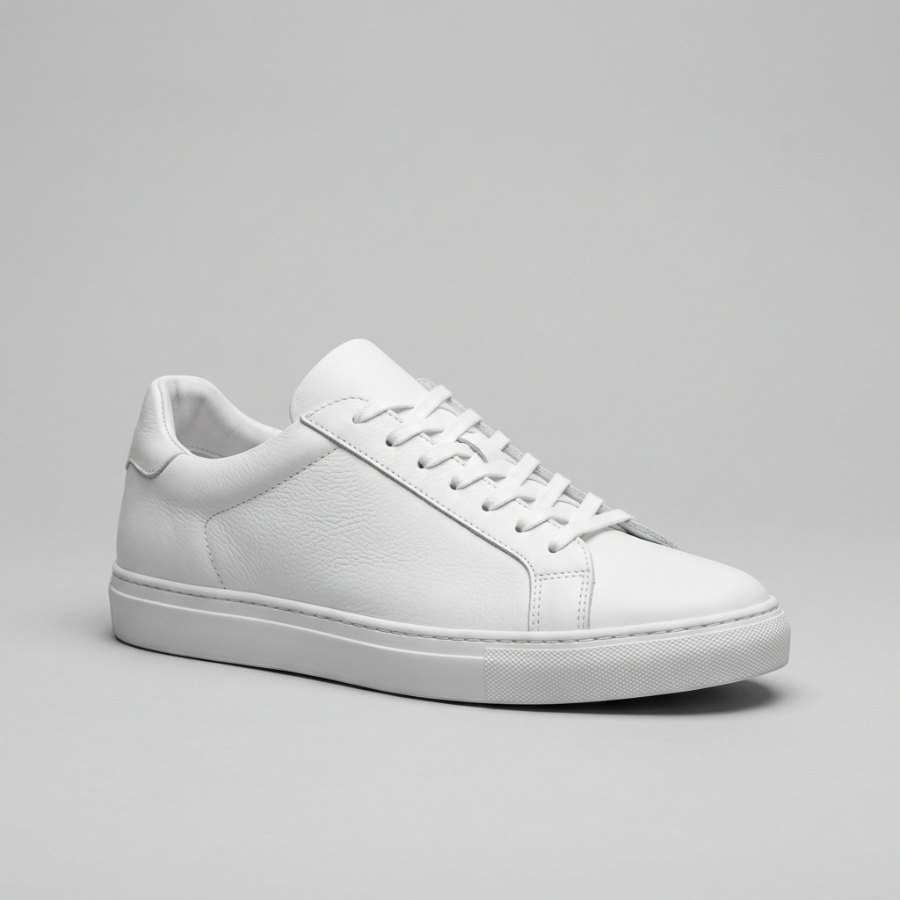
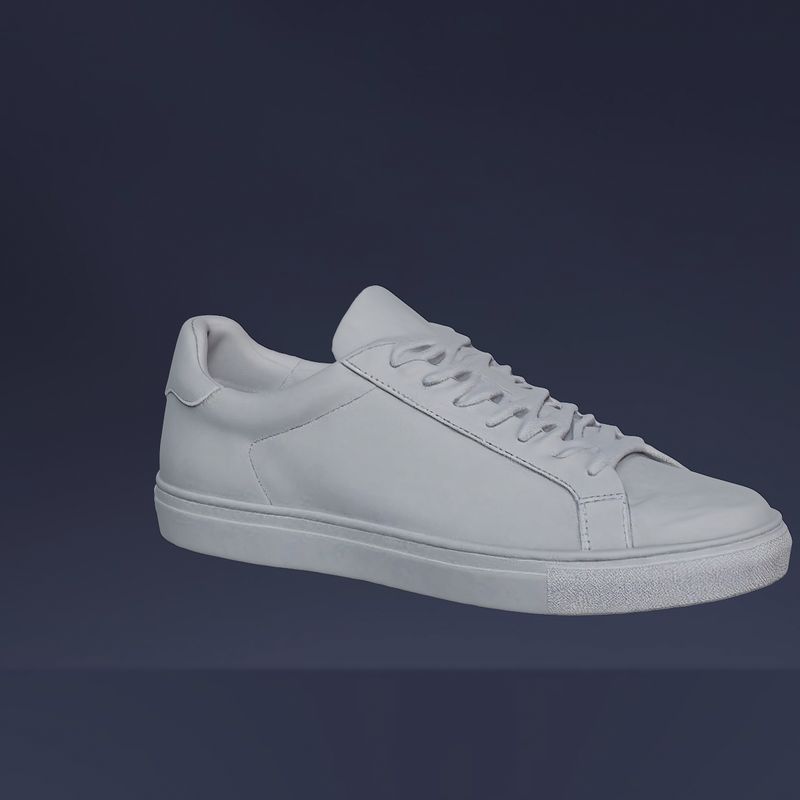
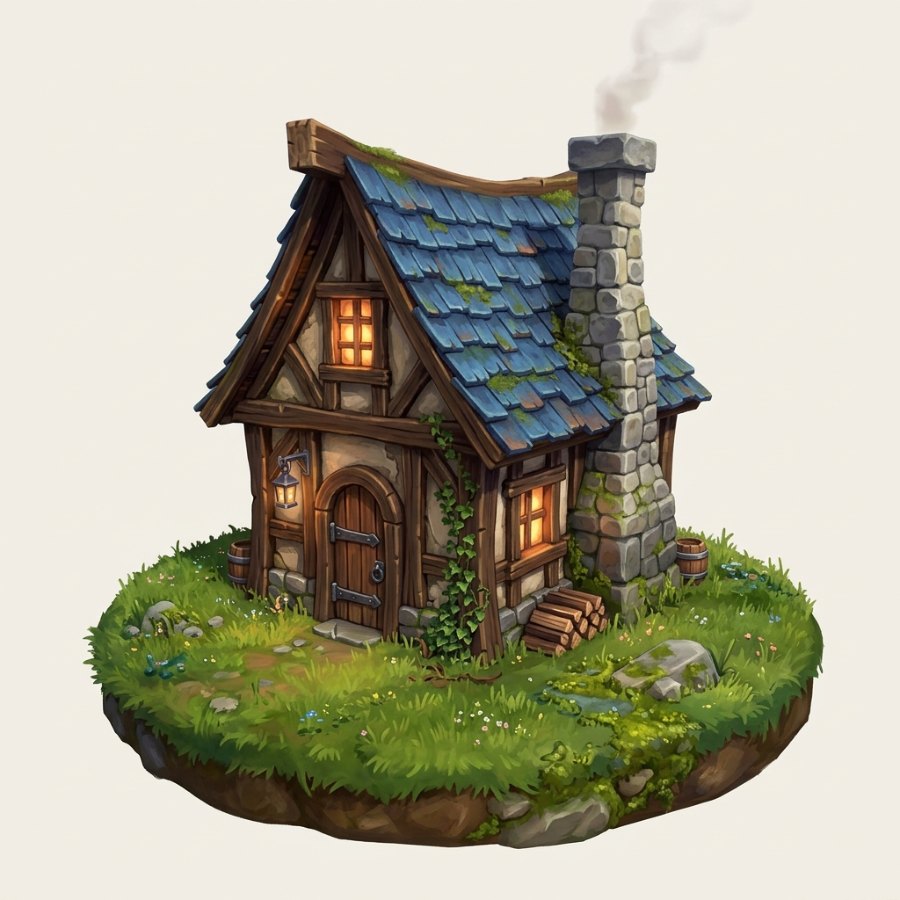
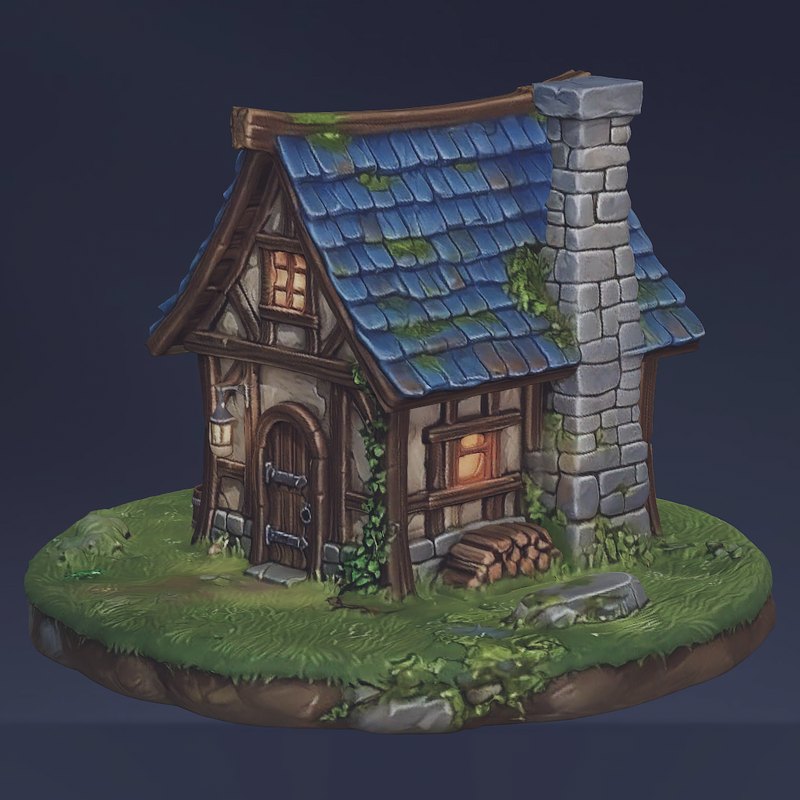
Pricing
You pay per model: 6 coins for a generic model, 25 coins for a rigged humanoid character. No subscription.
How many models each coin pack buys:
| Coin pack | Pack price | Generic models (6 coins each) | Humanoid models (25 coins each) |
|---|---|---|---|
| 75 coins | $6 | 12 models | 3 models |
| 300 coins | $21 | 50 models | 12 models |
| 700 coins | $42 | 116 models | 28 models |
What one model costs:
| Coin pack | Generic model | Humanoid model |
|---|---|---|
| 75 coins ($6) | $0.48 | $2.00 |
| 300 coins ($21) | $0.42 | $1.75 |
| 700 coins ($42) | $0.36 | $1.50 |
Export formats and engines
- Formats: FBX or GLB; OBJ for static generic models
- Unity: imports directly as a Humanoid
- Also works with: Unreal Engine, Blender, three.js and other 3D editors and engines
How it compares
| MetaPerson Creator | Meshy | Tripo | |
|---|---|---|---|
| Pricing | Pay per model, no subscription: 6 coins static, 25 coins rigged ($0.36–$2.00 per model) | Free: 100 credits/mo (CC BY 4.0, attribution required). Pro: $20/mo for 1,000 credits | Free: 200 credits/mo (about 8 models, non-commercial). Pro: $19.90/mo for 3,000 credits |
| Rigging | Built in at generation: Mixamo-compatible skeleton and skin weights | Auto-rigging of the generated mesh | Auto-rigging of the generated mesh |
| Animations | Dozens of built-in animations to test the rig | 500+ preset animations | Preset animations |
| Facial rig | Coming soon (human characters) | Not offered | Not offered |
| Export | FBX, GLB; OBJ for static generic models | FBX, GLB, OBJ, STL, 3MF, USDZ, BLEND | GLB, FBX, OBJ, USDZ, STL |
Meshy and Tripo details from published reviews, July 2026. Plans change; check their sites for current pricing.
Frequently asked questions
Is image to 3D free?
No. Creating a 3D model costs 6 coins for a generic model or 25 coins for a rigged humanoid. There are no free coins on new accounts. Generating reference images from text is free.
How long does it take?
A few minutes per model.
What images can I use?
A clear image of one subject: a concept sketch, a reference image or a photo. Use images you own or have the rights to.
Do I need to rig the character?
No. Humanoid characters come out already rigged, with a Mixamo-compatible skeleton and skin weights. There is no manual rigging and no auto-rigging step.
Which formats can I export?
FBX or GLB, and static generic models also export as OBJ. In Unity, a humanoid model imports directly as a Humanoid.
Can I animate my character?
Yes. Test it with dozens of built-in animations in the browser, then import it into Unity as a Humanoid and use your own animations. Text-to-animation with Avatar SDK Move is coming soon for generated characters.
Do characters have facial expressions?
A facial rig for human characters is coming soon, with its own pricing.
Can I make a 3D avatar of myself from a selfie?
Yes, with the dedicated avatar from a selfie tool, which builds a realistic full-body avatar of you.
Can I use the models commercially?
Yes. You can use models created from text descriptions or images commercially. Avatars created from selfies are different: you can distribute them only as part of a product, not as standalone 3D models. Full terms are in the Itseez3D Terms & Conditions (EULA).
Can I add this to my own app?
Talk to us about integrating MetaPerson into your product.
Turn your image into a 3D model
Upload a concept sketch or a photo and get a rigged character ready for your engine in minutes.
Upload an image